Funnel Pipeline
A no-code campaign builder for F&B merchants — embedded via Web Components instead of iframes.
F&B merchants needed to run campaigns with embedded forms and CTAs across their own and affiliated sites, without touching code — and with their branding, fields, and tracking pixels rather than someone else’s template. So I built a no-code builder where they design the buttons and forms themselves, and the only “code” they handle is a snippet to paste.
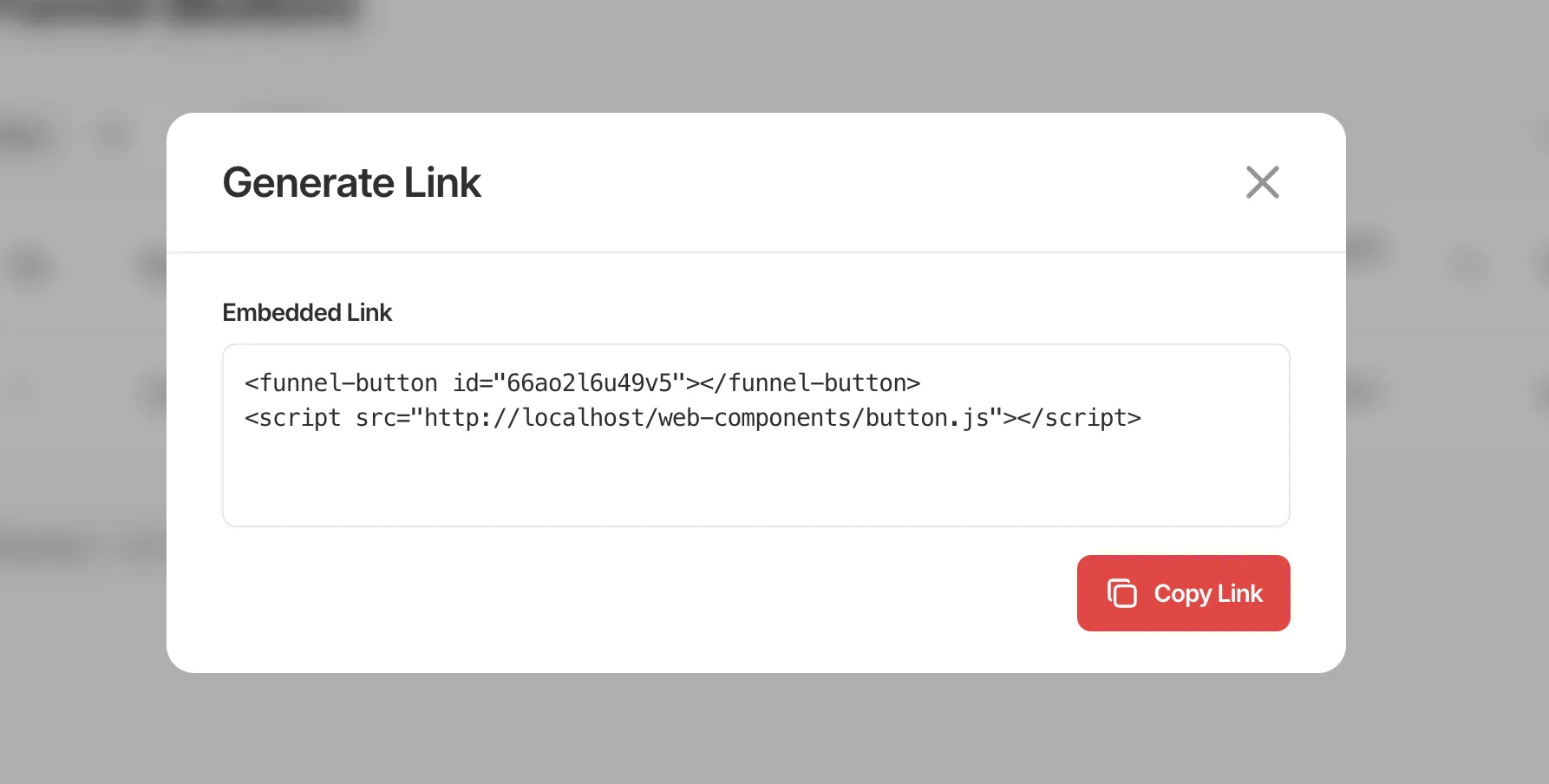
The first instinct was iframes. But third-party iframes can get blocked by ad blockers or restricted by host CSP directives,1 and styling them to feel native to the host site is a fight. Web Components sidestep both: a script tag plus a custom element, with Shadow DOM giving each widget its own style scope so it can’t be broken by — or break — the host page’s CSS. Copy, paste, done.
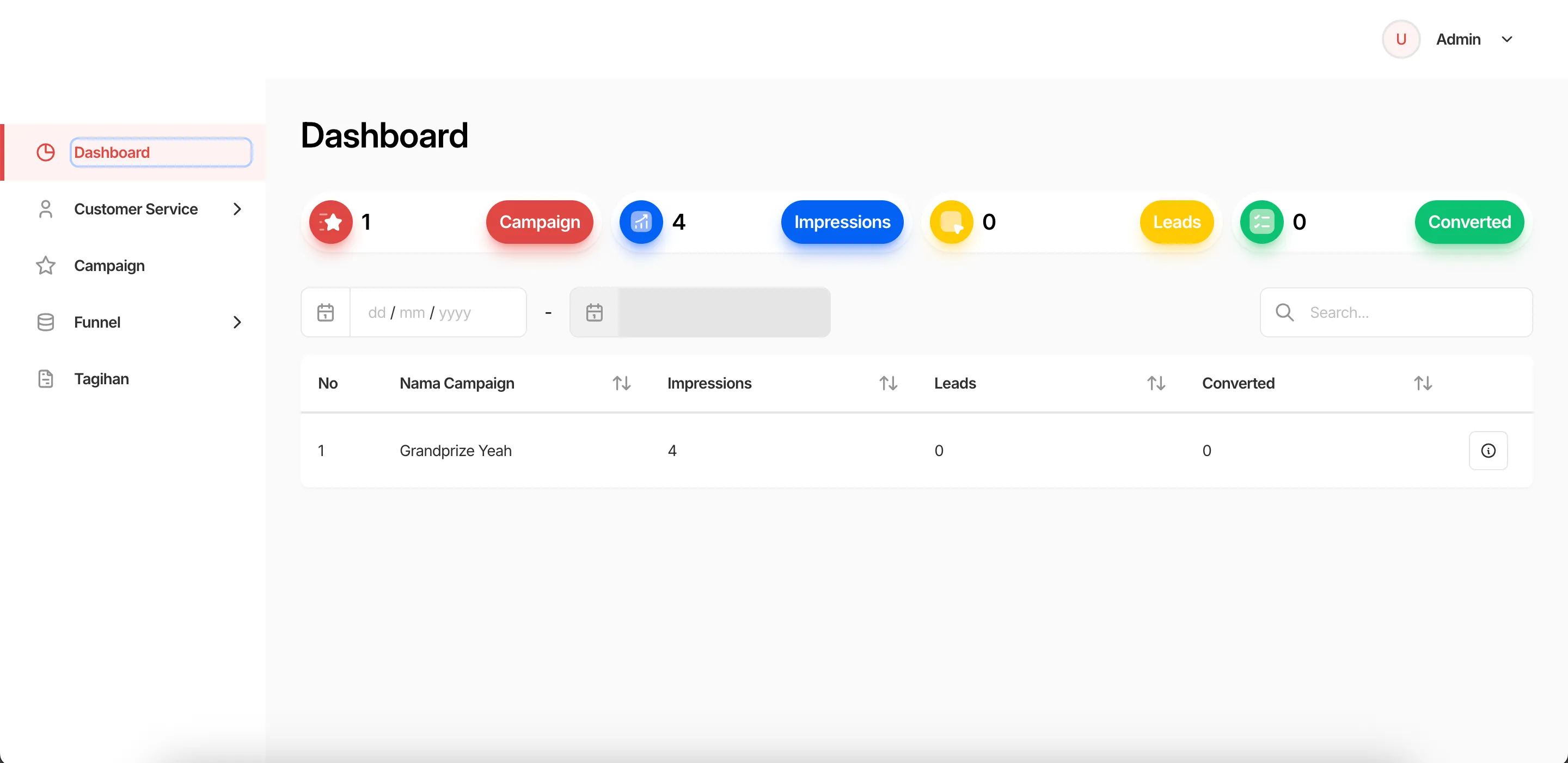
Once embedded, merchants track their campaigns from the dashboard — impressions, form submissions, and CTA clicks. Three F&B merchants are currently running campaigns through it.
What’s in it
- Campaigns with start/end dates, assigned customer service agents, and exportable performance metrics (impressions, clicks, conversions).
- Forms — customizable lead capture with configurable fields.
- Buttons — call-to-action with custom styling (colors, icons, text) and pixel tracking support (Meta, TikTok).
- CS management — individual agents (name, email, phone, avatar), grouped, and assigned to campaign leads.
- Lead management — collect form submissions, track follow-up status, mark conversions, export.
- Embeddable Web Components —
<funnel-form>and<funnel-button>that can be placed on any external site to capture leads directly.
Deployed on-prem per merchant, packaged with Docker so handoff stays a one-command install.
Footnotes
-
See uBlock Origin’s notes on blocking 3rd-party iframes and MDN on
frame-src. ↩